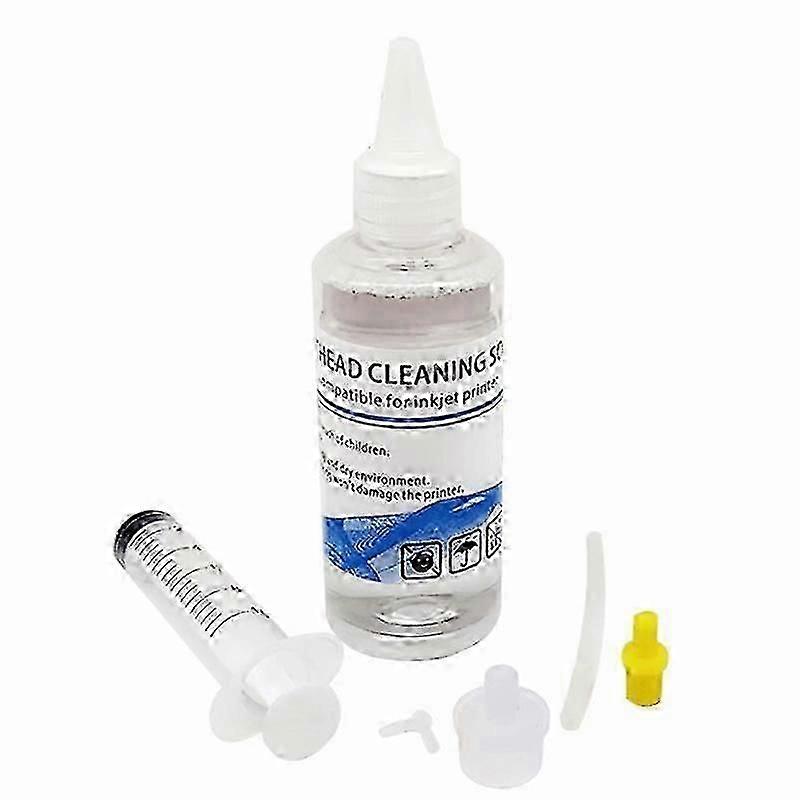
Print Head Cleaning Fluid Compatible with Epson Canon Brother HP Printer Maintenance Solution

₺1.149,00
+ ₺453,49 Kargo

Print Head Cleaning Fluid Compatible with Epson Canon Brother HP Printer Maintenance Solution

  • Marka: Unbranded

Print Head Cleaning Fluid Compatible with Epson Canon Brother HP Printer Maintenance Solution

  • Marka: Unbranded
Fiyat: ₺1.149,00
Satıcı:
₺1.149,00
+ ₺453,49 Kargo

Stokta var

14 Günlük İade Politikası

Ödeme yöntemleri:

Tanım

Print Head Cleaning Fluid Compatible with Epson Canon Brother HP Printer Maintenance Solution

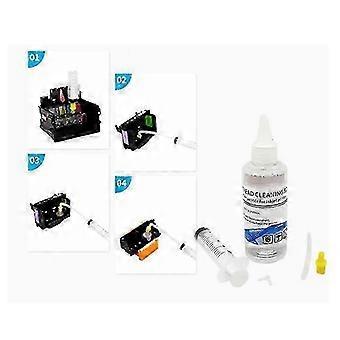
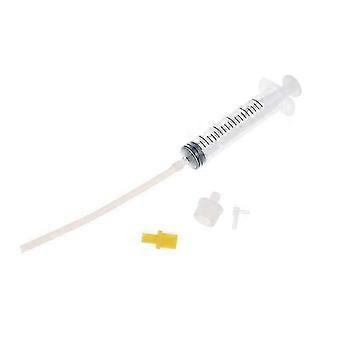
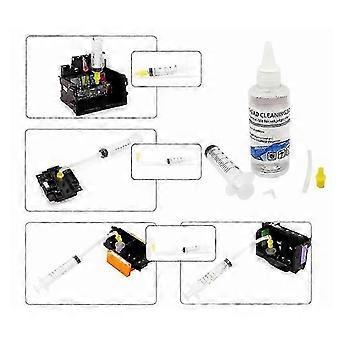
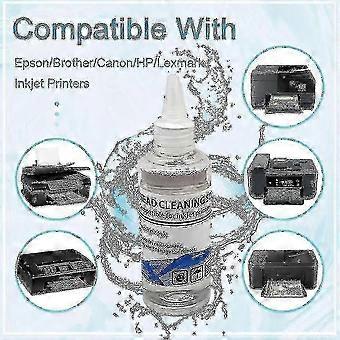
Compatible brands: HPApplication process: Wet and soak the solvent nozzleApplicable models: 4-color/5-color/6-color/8-color/9-color/10-color/12-color desktop inkjet printersProduct use: Clean the inkjet printer nozzle (print head) to make the printing ink smoother and protect the printer nozzle to extend its service life.Specific application: This product can remove most of the nozzle blockages and print line breakage caused by various reasons; simple operation, easy to use, no damage to the nozzle, only a few minutes.Cleaning fluid has several advantages:1. No corrosion to the nozzle, protect the life of your printing nozzle2. The effect is obvious, no matter how stubborn the crystals are, they can be dissolved and removed by soaking in our company's cleaning fluid3. Low cost and cheap price4. Imported raw materials plus our company's professional technology5. Someone will teach you how to use the cleaning fluid correctly to achieve better resultsCleaning steps:1) Press the ink drop button on the printer to change the ink cartridge, the trolley will move to the position to change the ink cartridge, unplug the power cord2) Open the trolley cover and take out the ink cartridge;3) Use a syringe to extract some special cleaning liquid from the cleaning liquid bottle.4) Place the small rubber hose on the syringe on the ink outlet in the trolley.5) Pour 12ml of special cleaning liquid into the ink outlet.6) Repeat the above steps for each ink outlet one by one.7) When the power is off, put the ink cartridge back into the trolley and cover the trolley cover. Leave the printer for 2-3 hours (depending on the blockage of the print head), and pay attention to keep the power off.8) After 2-3 hours, turn on the power again and perform the nozzle cleaning operation.9) Please clean the ink outlet at least once every 1 to 2 months. Such maintenance can extend the service life of the printer.Package contains: 1 * 100ml cleaning liquid1 * syringe Thank you for your attention, there are many useful and cheap goods in our store. We will reply to you as soon as possible.
  • Fruugo Kimliği: 450865901-950553892
  • EAN: 7802064508538

Ürün Güvenlik Bilgileri

Lütfen aşağıda özetlenen bu ürüne özel ürün güvenlik bilgilerine bakın.

Aşağıdaki bilgiler bu ürünü satan bağımsız üçüncü taraf perakendeci tarafından sağlanmaktadır.

Ürün Güvenlik Etiketleri

CE Mark
Güvenlik Uyarıları: Adult supervision recommended

Teslimat ve İade

3 gün içinde kargoya verilir

  • STANDARD: ₺453,49 - Arasında teslimat Çar 21 Ocak 2026–Çar 28 Ocak 2026

Kargo çıkış noktası Çin.

Sipariş ettiğiniz ürünlerin size bütün ve belirttiğiniz özelliklere göre teslim edilmesi için elimizden gelenin en iyisini yapıyoruz. Fakat, bütün gelmeyen veya siparişiniz ettiğinizden farklı çıkan bir ürünün elinize ulaşması ya da siparişinizden başka bir sebepten ötürü memnun kalmamanız durumunda, siparişi veya siparişe dahil ürünlerden herhangi birini iade edebilir ve ürünler için tam para iadesi alabilirsiniz. Tam iade politikasını görüntüle