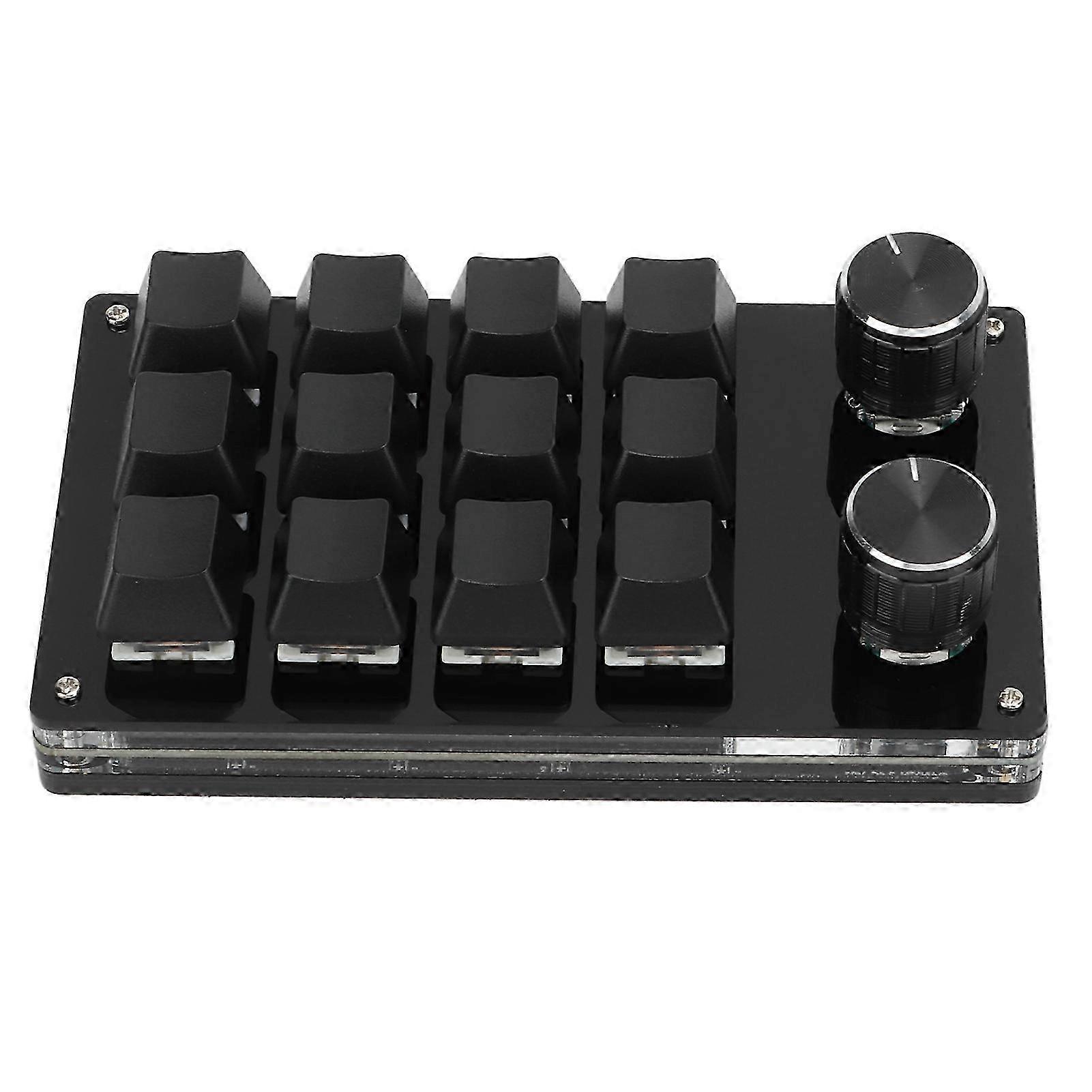
Multifunctional Diy Mechanical Keyboard Macro Knob 12 Keys

₺3.949,00
+ ₺795,49 Kargo

Multifunctional Diy Mechanical Keyboard Macro Knob 12 Keys

  • Marka: Unbranded

Multifunctional Diy Mechanical Keyboard Macro Knob 12 Keys

  • Marka: Unbranded
Önerilen Perakende Fiyatı: ₺7.190,00
Fiyat: ₺3.949,00
Kazancınız: ₺3.241,00 (45%)
Satıcı:
₺3.949,00
+ ₺795,49 Kargo

Stokta var

14 Günlük İade Politikası

Ödeme yöntemleri:

Tanım

Multifunctional Diy Mechanical Keyboard Macro Knob 12 Keys

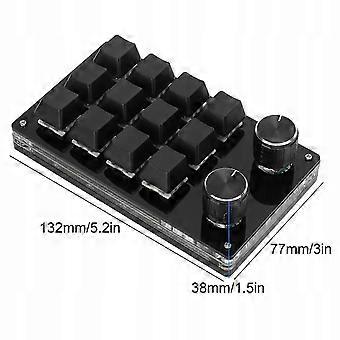
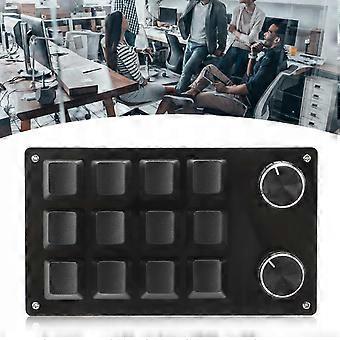
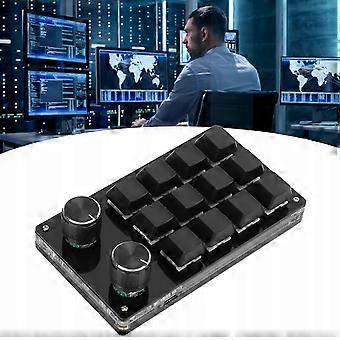
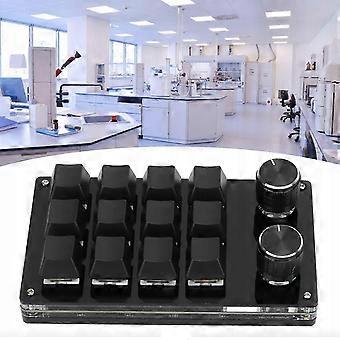
Function: 1. Provide convenience: this is a 12-key programmable keyboard with adjustment knob, you can set hotkeys to reduce the cumbersome process. 2. Multifunctional: Mini keyboard with many functions, you can set all the key functions on the Windows keyboard and realize complex and complex hotkeys with one key. 3. Memory function: The keyboard has a storage function that can be used on systems that support the USB protocol, such as Linux, OS X, etc. After configuring it in Windows. 4. Setting knob: The knob can also be set using functions such as playing the previous song, next song, volume up, volume down, pause, playback and other functions. 5. Portable and easy to use: Type C interface to USB, no drivers, plug and play, no conflicts between computer and multiple keyboards, convenient and easy to carry. 6. Wide Application: programmable keyboard is suitable for office, gaming, music, media, industrial control, laboratory, production line testing and other fields Specification: Item Type: Macro Mechanical Keyboard Material: Acrylic, PCB Application: suitable for office, gaming, music, media, industrial control, laboratory, production line testing and other fields System support: for Windows, for VISTA, for Linux, for OS X Button life: up to 50 million times Type: Dustproof Green Glass Number of keys: 12 keys Size: approx. 132 x 77 x 38 mm / 5,2 x 3 x 1,5 inches (L) x width x H ) Current and Voltage: DC 5V/1A Operating temperature: -10 -50 List of packages: 1 x Keyboard 1 USB cable Note: This software can only be run temporarily for Windows, try to download it on the PC side, the settings software does not need to be installed, it can be started immediately after opening and will be automatically saved to the Chain Drive when set up, then connect it to the USB protocol, which supports the USB protocol. Use on Linux, OS X and other systems (when you first start, pay attention to the release of antivirus software and set it as a trusted file)! 1. Small keyboard, open custom software on your computer. 2. In custom software, click “button settings area” or “knob settings area” (yellow area), then click the 1-key 12 key or any knob 1 key or knob 2 (green area) that you want to set if selected, it will appear in red. 3. Click the function key corresponding to the simulated keyboard in the custom software, click download, prompting for the success of the download, you can use the custom keyboard. For example, if you want to set the small keyboard key 1 as a copy shortcut key (CtrlC), click "Key Settings Area" in the software, click "KEY1", then click Ctrl and C on the software simulation keyboard, click Download and the "download succeeded" message will be displayed. Typical troubleshooting methods: Issue 1: When the keyboard is connected to the computer, there is no response or a message appears indicating that the device is malfunctioning. Solution: Check that the cable and interface are properly connected, then disconnect them and insert them again. Replace the USB port on your computer and reconnect it. Error 2: Unable to open custom software after download. Solution: Verify that the antivirus software intercepts the operation and sets it as a trusted file. Question 3: When connected, the computer, why is it always "a" when you press the key or knob Solution: Output a is the normal factory setting, open custom software to redefine the key function.
  • Marka: Unbranded
  • Kategoriye Göre: Klavyeler
  • Fruugo Kimliği: 432643745-908500871
  • EAN: 6008548422975

Teslimat ve İade

2 gün içinde kargoya verilir

  • STANDARD: ₺795,49 - Arasında teslimat Çar 14 Ocak 2026–Sal 20 Ocak 2026

Kargo çıkış noktası Çin.

Sipariş ettiğiniz ürünlerin size bütün ve belirttiğiniz özelliklere göre teslim edilmesi için elimizden gelenin en iyisini yapıyoruz. Fakat, bütün gelmeyen veya siparişiniz ettiğinizden farklı çıkan bir ürünün elinize ulaşması ya da siparişinizden başka bir sebepten ötürü memnun kalmamanız durumunda, siparişi veya siparişe dahil ürünlerden herhangi birini iade edebilir ve ürünler için tam para iadesi alabilirsiniz. Tam iade politikasını görüntüle

Ürün Uyumluluk Ayrıntıları

Lütfen aşağıda özetlenen bu ürüne özel uyumluluk bilgilerine bakın.

Aşağıdaki bilgiler bu ürünü satan bağımsız üçüncü taraf perakendeci tarafından sağlanmaktadır.

Üretici:
Aşağıdaki bilgiler, Fruugo tarafında satılan bahsi geçen ürünün üreticisinin irtibat bilgilerini ortaya koymaktadır.

  • Shenzhen Sihaiyi Investment Consulting Co., Ltd
  • Shenzhen Sihaiyi Investment Consulting Co., Ltd
  • No. 101, Lane 4, Private Residential Area, Wuhe Community, Bantian Sub-district, Longgang District, Shenzhen City
  • Shenzhen
  • CN
  • 518129
  • ntalieliang@163.com
  • 13480047144

AB sınırları içerisindeki Sorumlu Kişi:
Aşağıdaki bilgiler AB sınırları içerisindeki Sorumlu Kişi’nin irtibat bilgilerini ortaya koymaktadır. Sorumlu kişi AB içerisinde konumlu olan atanmış iktisadi işlemcidir, Avrupa Birliği içerisinde satılan bahsi geçen ürün ile ilgili uygunluk yükümlülüklerinden sorumludur.

  • Jean Luc
  • In Memoria Futuri SAS
  • 3 RUE DU PAS DE LA MULE 75004 PARIS
  • Paris
  • France
  • 75004
  • infoapexchen@gmail.com
  • 33745713901