
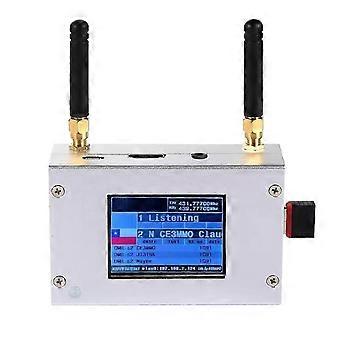
Duplex MMDVM Hotspot With Aluminum Alloy Shell Color Display Screen
+ ₺482,49 Kargo
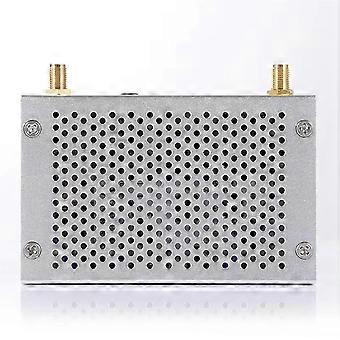
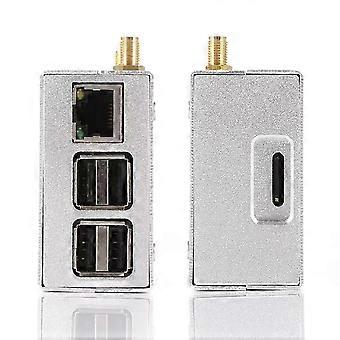
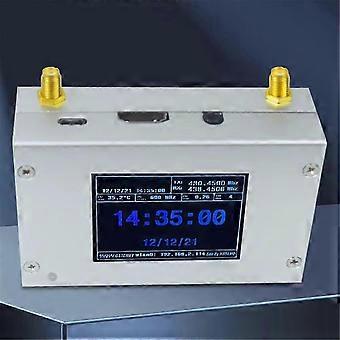
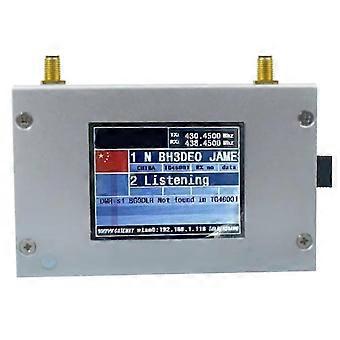
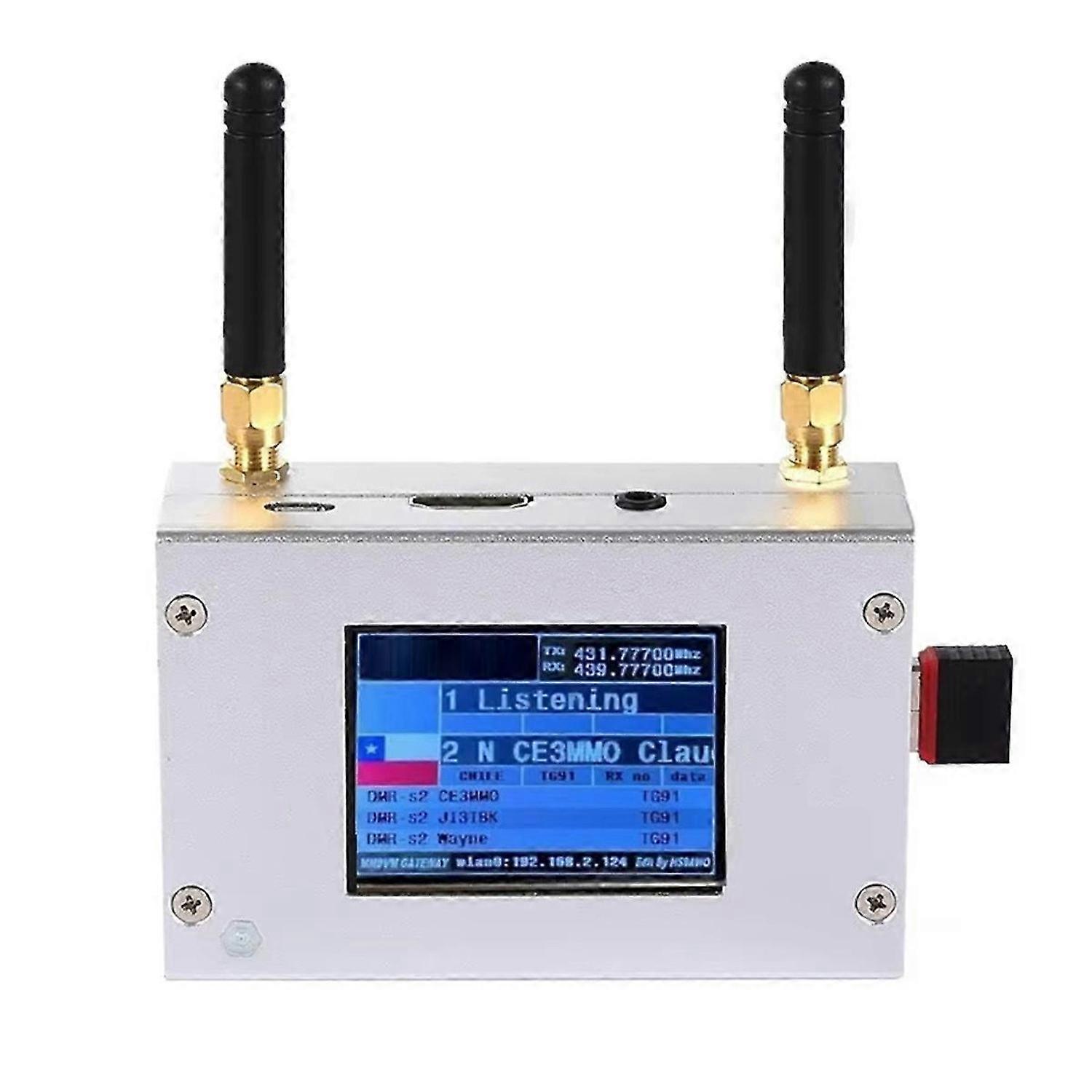
Duplex MMDVM Hotspot With Aluminum Alloy Shell Color Display Screen
- Marka: Unbranded
Duplex MMDVM Hotspot With Aluminum Alloy Shell Color Display Screen
- Marka: Unbranded
Tasarruf etmek ₺9.500,00 (54%)
Önerilen Perakende Fiyatı
14 Günlük İade Politikası
Tasarruf etmek ₺9.500,00 (54%)
Önerilen Perakende Fiyatı
14 Günlük İade Politikası
Ödeme yöntemleri:
Tanım
Duplex MMDVM Hotspot With Aluminum Alloy Shell Color Display Screen
- Marka: Unbranded
- Kategoriye Göre: Kamera Monitörleri
- Fruugo Kimliği: 415030396-876473581
- EAN: 5906954642974
Teslimat ve İade
2 gün içinde kargoya verilir
-
STANDARD: ₺482,49 - Arasında teslimat Pzt 02 Şubat 2026–Pzt 09 Şubat 2026
Kargo çıkış noktası Çin.
Sipariş ettiğiniz ürünlerin size bütün ve belirttiğiniz özelliklere göre teslim edilmesi için elimizden gelenin en iyisini yapıyoruz. Fakat, bütün gelmeyen veya siparişiniz ettiğinizden farklı çıkan bir ürünün elinize ulaşması ya da siparişinizden başka bir sebepten ötürü memnun kalmamanız durumunda, siparişi veya siparişe dahil ürünlerden herhangi birini iade edebilir ve ürünler için tam para iadesi alabilirsiniz. Tam iade politikasını görüntüle
Ürün Uyumluluk Ayrıntıları
Lütfen aşağıda özetlenen bu ürüne özel uyumluluk bilgilerine bakın.
Aşağıdaki bilgiler bu ürünü satan bağımsız üçüncü taraf perakendeci tarafından sağlanmaktadır.
Üretici:
Aşağıdaki bilgiler, Fruugo tarafında satılan bahsi geçen ürünün üreticisinin irtibat bilgilerini ortaya koymaktadır.
- Core
- Fangcheng County Shanqingshuixiu Forestry Technology Co., Ltd
- No. 66, Nanshizhai, Zhaohe Town, Fangcheng County
- Nanyang
- CN
- 473000
- jinghoubaihuo-02@outlook.com
- 13243142768
AB sınırları içerisindeki Sorumlu Kişi:
Aşağıdaki bilgiler AB sınırları içerisindeki Sorumlu Kişi’nin irtibat bilgilerini ortaya koymaktadır. Sorumlu kişi AB içerisinde konumlu olan atanmış iktisadi işlemcidir, Avrupa Birliği içerisinde satılan bahsi geçen ürün ile ilgili uygunluk yükümlülüklerinden sorumludur.
- EC REP SERVICES SL
- EC REP SERVICES SL
- Calle Gran Via 49, 7 Dch
- Madrid
- ES
- 28013
- ecrepservice@hotmail.com
- 0034-682797075